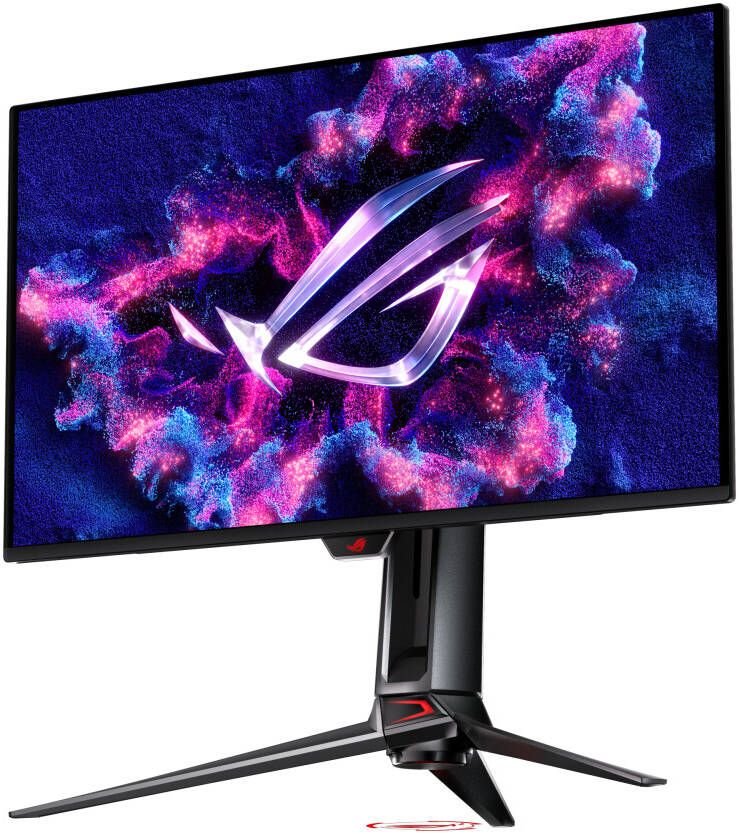
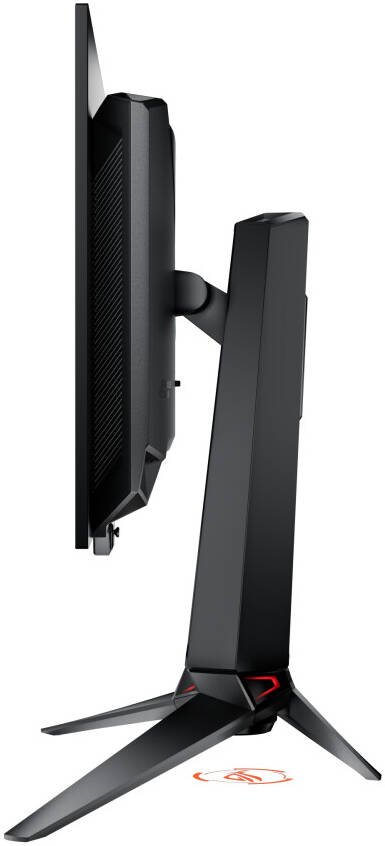
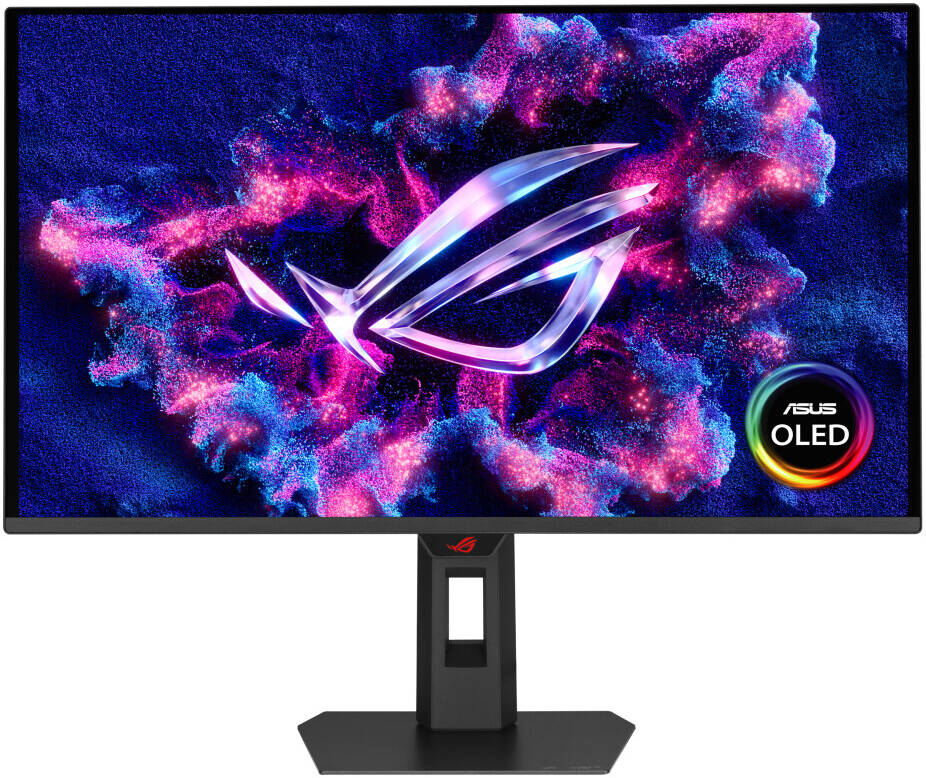
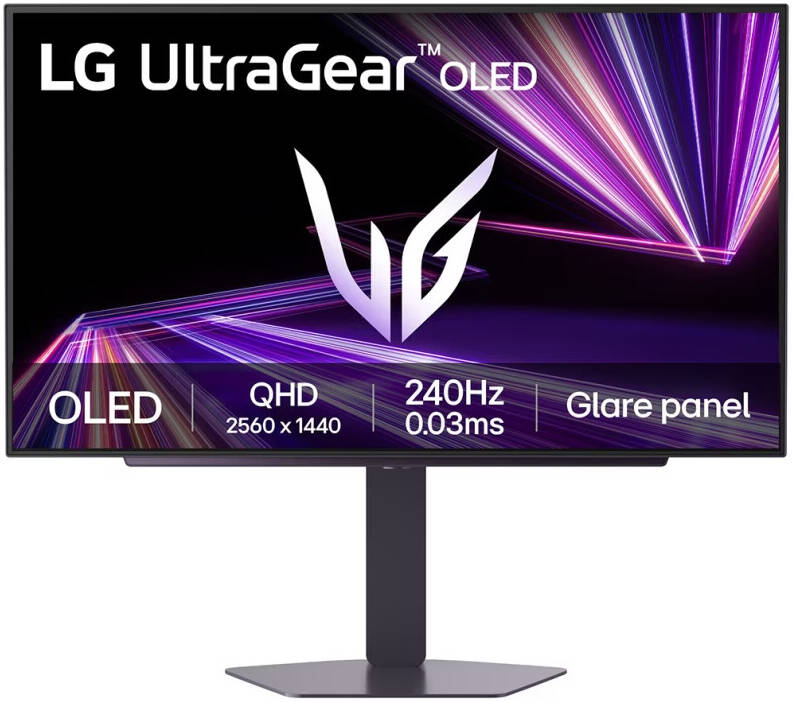
26.5-inch 4K (3840 x 2160) QD-OLED gaming monitor with 240Hz Hz refresh rate and 0.03ms ms response timeLatest 4th-gen QD-OLED technology delivers sharper imagery and crystal-clear text, a longer lifespan over previous-gen OLEDsOLED Anti-Flicker 2.0 technology includes a new luminance compensation algorithm that reduces flicker by 20% compared to previous-gen panels, ensuring comfortable viewingNew ASUS OLED Care Pro functions with Neo Proximity Sensor that precisely detects when the user is away, switching to a black screen to reduce the risk of burn-inExtensive connectivity options include DisplayPort™ 2.1a UHBR20 with full 80Gbps bandwidth, USB-C® (90W PD), HDMI® 2.1, and a tripod socketDolby Vision® support, VESA DisplayHDR™ 400 True Black compliance, 99% DCI-P3 gamut, Ture true 10-bit color, and Delta E < 2 color difference for astonishing HDR performance, making it the monitor perfect for photo and video editingDisplayWidget Center allows users to easily access OLED Care Pro functions and adjust monitor settings using a mouse
Add your review
Your email address will not be published. Required fields are marked *